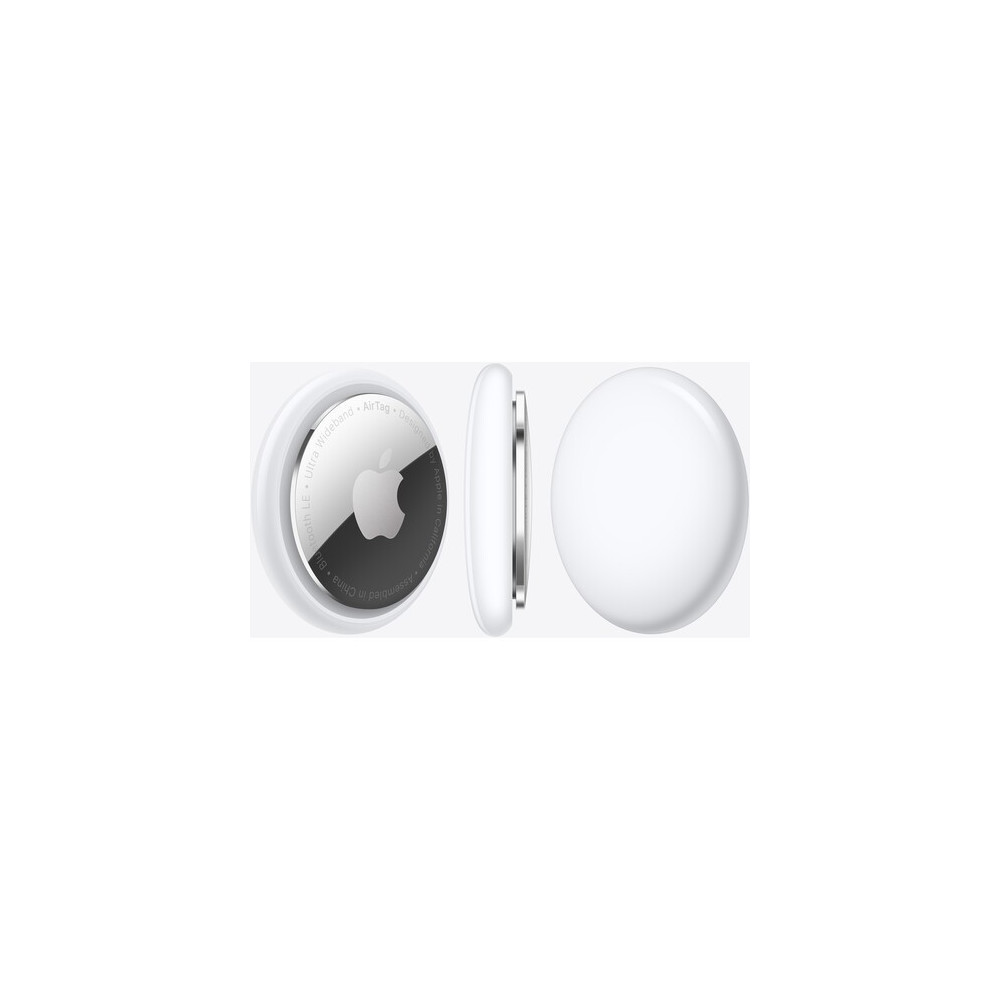
Apple AirTag (Single)
   

Apple AirTag (Single), MX532LL

0 Review(s) 
Apple
MX532LL BL
  • Track and Locate with Find My Network
  • Precision Finding via Ultra Wideband
  • Use with Keys, Wallet, Bags, and More
  • See Direction, Distance & Map Location
Out of Stock
QAR 149.00

Apple AirTag Overview

Never worry about losing devices and other belongings again with the Apple AirTag. This sleek tracking disc can be slipped into a wallet or tablet case, or you can use an optional accessory to key it with your keys or attach it to a purse, bag, or backpack. Wherever the AirTag goes, you can use Apple's Find My app to find it. When it's nearby, use the Find My app to locate it—have your AirTag play a sound through its built-in speaker. Or, you can simply ask Siri to find my key, and notifications can be viewed on an Apple Watch. Available on iPhone 11 models and later, excluding iPhone SE (2nd and 3rd generation), you can take advantage of Precision Finding. If your item is truly lost, you can even employ the wider Find My network of Apple devices to locate it.

Precision Finding
If you own an iPhone 11 or iPhone 12, its Ultra Wideband technology will let you take advantage of the Precision Finding feature. Like something out of a sci-fi novel, Precision Finding helps you pinpoint the AirTag's exact location and assists you in tracking it on your iPhone. You will get a large arrow on your screen that points in the direction of the AirTag, along with the exact distance it is from you.
Find My Network
If your AirTag is truly lost and not anywhere near you, don't worry. Through Apple's Find My network of devices, you can track its location. It works by sending out a Bluetooth signal that's picked up by any Find My-equipped device nearby. That means anyone's iPhone, iPad, or Mac can possibly be used to help you find your belongings. If anyone's device detects it, your AirTag's location is sent to iCloud and you will see it on the map in the Find My app. The entire process is both anonymous and encrypted for you and everyone else's device.
Lost Mode
When you activate Lost Mode to find your AirTag, you can get notifications with where it was last spotted through the Find My network. It also gives you the ability to allow your contact information to be seen by those that have your AirTag, even if they are not an Apple customer. Anyone with an NFC-equipped smartphone can tap your AirTag to see your contact information.
: MX532LL BL
Out of Stock

Data sheet

Brand
Anker
Model
MX532LL

Reviews

No customer reviews for the moment.

Write your review

Apple AirTag (Single), MX532LL

  • Track and Locate with Find My Network
  • Precision Finding via Ultra Wideband
  • Use with Keys, Wallet, Bags, and More
  • See Direction, Distance & Map Location

Write your review

Related Products